 How to Choose a System That Catches Mistakes Before Auditors Do">
There’s no shortage of software vendors claiming HIPAA compliance. Encryption? Standard. Role-based access? Of course. A signed BAA? Baked into the sales pitch. But ask a team who’s been through a real audit, and you’ll hear a different story. They’ll tell you where the paperwork got stuck. Who forgot to sign. When the form got submitted with missing data. They’ll remember the folders no one checked and the notes that were edited too late to count.
That’s the reality: most compliance issues don’t come from a lack of policy. They come from breakdowns in process. And most software doesn’t help with that. It might log access and encrypt files, but it won’t catch the dozen small things that go wrong in a normal week. When those slip, the system doesn’t protect you. It just preserves the evidence.
The right platform won’t fix disorganization on its own. But it will make it obvious when something hasn’t been done. It will keep your timelines clean, your edits traceable, and your team aligned around a shared set of responsibilities. Choosing HIPAA-compliant software shouldn’t be about ticking off a legal requirement. It should be about keeping your practice from drifting toward error and giving your team the tools to stay ahead of what normally gets missed.
1. Start with What Breaks, Not What’s Promised
Plenty of tools check the compliance boxes: encryption, access controls, documentation of consent, role-based visibility. These features are necessary, but they’re not where trouble usually starts. Most of the mess begins in the day-to-day churn. A form goes unsigned. A submission is delayed. A note is edited in the wrong place. And by the time anyone notices, you’re already exposed. The safest systems aren’t the ones with the longest feature lists, they’re the ones that hold up when the workflow gets bumpy.
To choose the right software, think about the moments when things slip: weekend coverage, last-minute cancellations, new staff jumping in with little context. A system designed for real-life scenarios will account for these variables by making the status of every task obvious and the history of every record traceable. It won’t leave your team guessing, backtracking, or chasing down documents someone assumed were handled. HIPAA compliance is about traceability under stress. If a tool only works when everything is perfect, it doesn’t work.
2. Demand Visibility That Doesn’t Depend on Memory
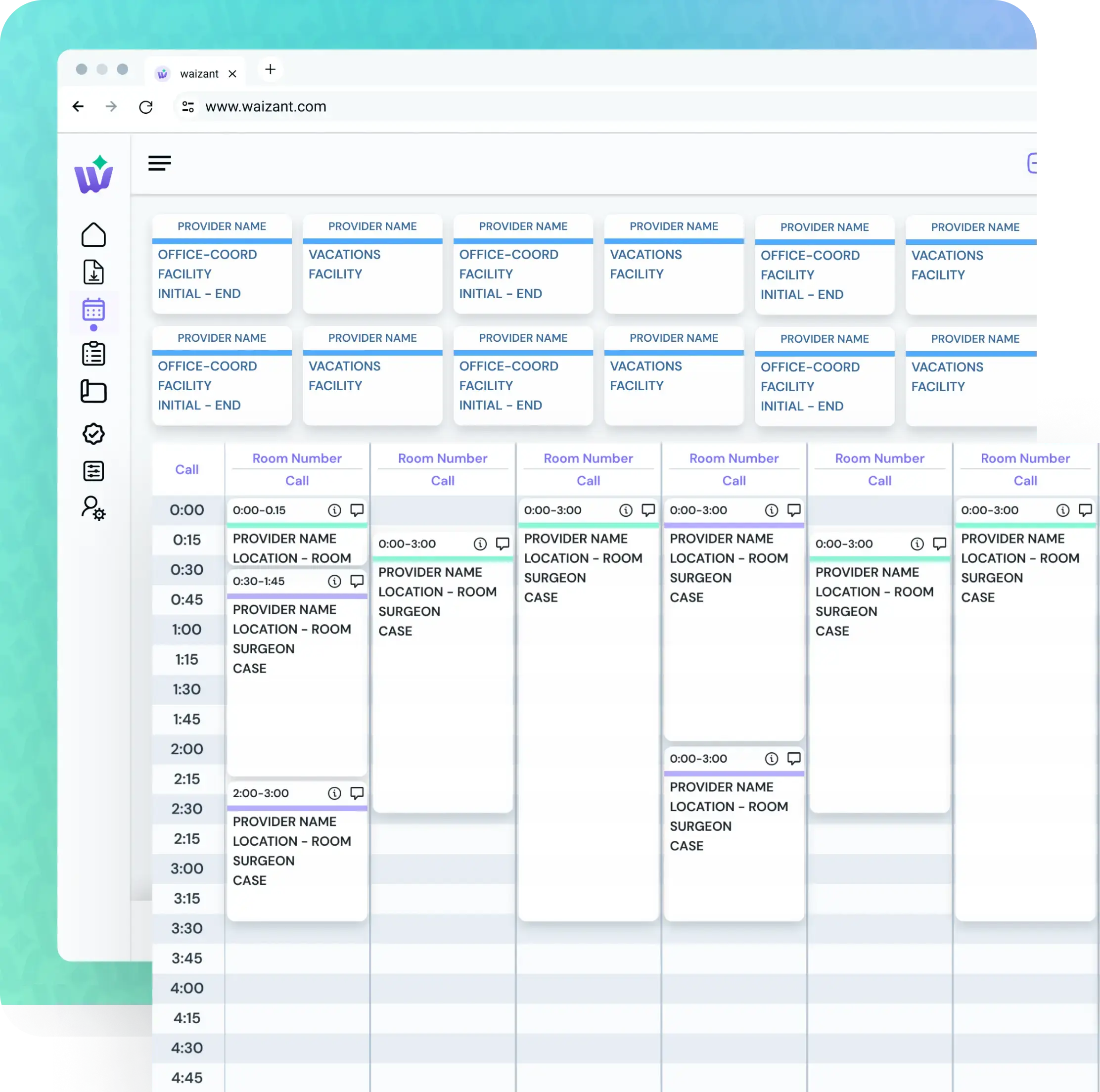
The more you have to rely on staff remembering what to do, the more vulnerable you are. In a well-run operation, most things shouldn’t live in someone’s head. They should live in the system. That means the platform needs to give clear signals about what’s complete, what’s pending, and what’s missing and those signals should be visible without digging through menus or jumping between systems.
If a report is incomplete, the system should show that clearly. If a chart hasn’t been signed, no one should need to search folders or send emails to confirm. The absence of a signature should block submission, not quietly pass through. The best tools replace invisible dependencies with visible ones: automated flags, requirement checklists, a dashboard that doesn’t require interpretation.
The illusion that everything’s been handled is one of the most dangerous parts of disconnected software. What you want is the ability to verify the status of any task without asking around or making assumptions. When a system makes that kind of visibility easy, people stop relying on memory to keep things from falling through.
3. Prioritize Centralization, Not Just Access Control
A system can have all the right encryption protocols and still be fundamentally unsafe if tasks are scattered across too many platforms. When teams are using one tool for documentation, another for billing, and a third for case tracking, it’s easy for the most important pieces to slip into the gaps. The workarounds might feel manageable at first. But once those processes rely on habit instead of structure, the risk becomes systemic.
Centralization solves for accuracy, auditability, and operational continuity. If someone steps out and another person picks up the work, everything they need should be in one place, not buried in an email thread or tied to a personal checklist. Forms, notes, deadlines, quality measures, billing markers, and change histories all need to connect. If your team is bouncing between apps to complete one task, that task will eventually get missed.
The more fractured your setup is, the harder it is to understand how something actually went wrong. Centralized systems don’t just prevent errors—they make it possible to investigate them clearly when they do happen.
4. Watch How the System Holds Up Under Pressure
Clinical environments rarely move at the pace the software expects. Especially in high-acuity specialties, work happens in bursts—unpredictable, time-sensitive, often under strain. That means your software can’t assume uninterrupted focus, a perfect internet connection, or time to fix formatting errors. It needs to accept the way clinicians actually work, not the way most interfaces expect them to.
Documentation should match the natural flow of care. That includes auto-filled defaults for common procedures, logic that mirrors clinical sequences, and the ability to enter notes in real time without interrupting other actions. Medication changes, team member transitions, intra-operative updates, if the system can’t track those shifts without friction, users will work around it. And once workarounds start, audit trails break.
The best way to test a platform’s reliability isn’t in a demo—it’s in a normal week. Does it still perform when the schedule backs up and someone’s covering two locations? Can a new user find their footing without a 90-minute training call? Does the platform help maintain documentation when the case doesn’t go as planned? That’s where software either supports clinical judgment or gets in its way. Don’t find out the hard way.
5. Make Sure the System Enforces Structure Without Sacrificing Flexibility
There’s a delicate balance between enforcing compliance and allowing clinical freedom. Too rigid, and the system blocks progress. Too open-ended, and the risk reappears. The goal isn’t to automate judgment, it’s to create rails that keep documentation consistent without flattening real clinical nuance.
That starts with role-based permissions that are actually enforced. Can nurses see what they need without gaining access to everything? Can administrative users update scheduling without editing sensitive records? Granularity matters. So does the ability to configure workflows by procedure, provider, or location. Compliance isn’t served by blanket settings. It’s protected by thoughtful defaults and smart constraints.
Flexibility shows up in smaller details, too. The platform should allow notes to be amended with an audit log, not overwritten with no trace. It should adapt to different reporting structures without losing sight of mandatory fields. And it should support the common shortcuts your team already uses, whether that’s speech-to-text, pre-saved medication orders, or single-screen checkouts.
No system prevents every risk. But the right one prevents most of the known ones—and gives you the tools to catch the rest before they spread.
The Biggest Takeaway
Choosing HIPAA compliant software is about making a structural decision that affects every part of your operations. From scheduling and charting to reporting and audits, your platform becomes the frame around all clinical activity. If it’s weak, everything inside becomes harder to defend. If it’s solid, your team can focus on care without constantly covering for gaps. That’s the point. You’re not just buying software to meet a regulation. You’re setting up guardrails to keep small oversights from snowballing into risk.
Good software earns trust by showing what’s complete and what isn’t. It doesn’t depend on your memory to catch missing signatures or outdated forms. It doesn’t need workarounds to handle routine exceptions. It doesn’t require everyone to be perfect to maintain compliance. And it doesn’t leave you guessing if the submission you sent last month will hold up under scrutiny six months from now.
There’s no such thing as a perfect system, but there are tools that make it easier to do things right. Choose the one that helps your team stay aligned, stay informed, and stay out of trouble when the pace picks up.
.png)